Private browsers are designed to maintain your online privacy by not tracking and sharing your data with third parties. To maximize your privacy while surfing the web, we listed some of the best privacy browsers that you can consider using today:
- Tor Browser: Uses layered encryption to increase online anonymity.
- Brave Browser: Brave Shield featurethat blocks cookies, pop-up ads, and trackers.
- Epic Privacy Browser: Encrypted proxy and blocks WebRTC leaksto increase your privacy.
- DuckDuckGo: It uses smarter encryption technology to prevent ISP tracking and automatically blocks ads, cookies, and trackers.
- Mozilla Firefox: Provides robust privacy by allowing users to browse in the private browsing mode, the enhanced tracking protection feature.
- Iridium Browser: Secure browser that’s the modification of the Chromium browser, it blocks cookies.
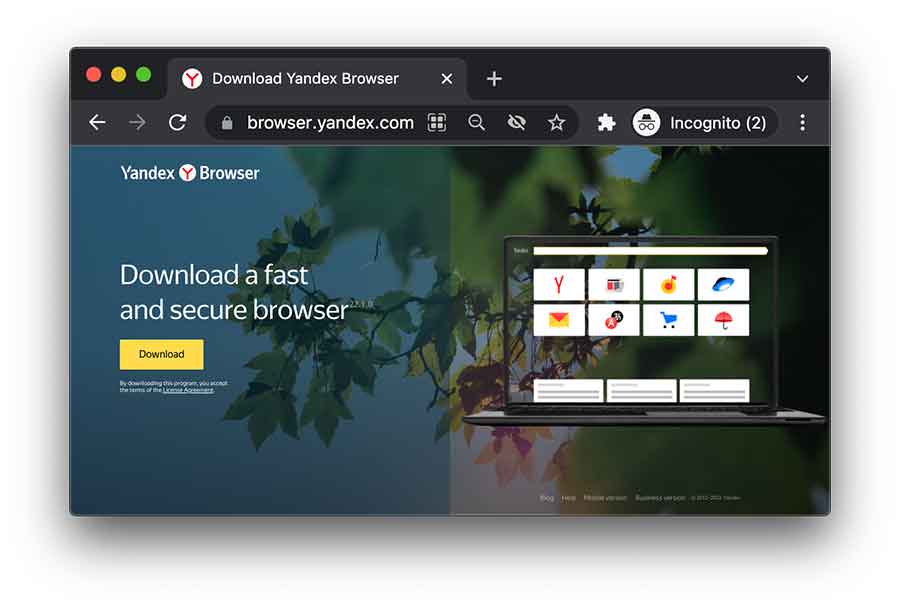
- Yandex Browser: Chromium-based browser with several impressive features like the site reputation indicator.
- Puffin Browser: Uses a proxy that hides your IP addressand makes you anonymous over the web.
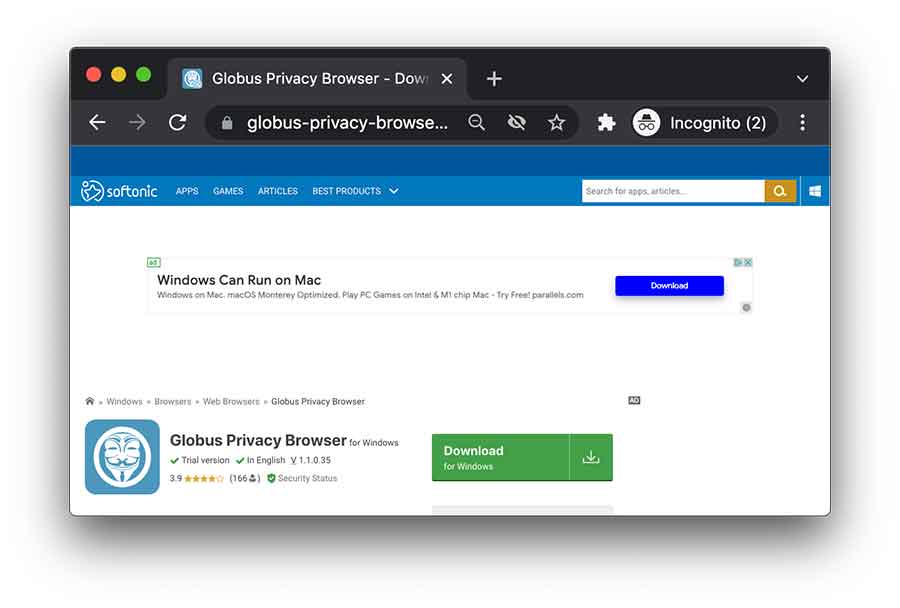
- Globus Browser: Browser comes with abuilt-in VPN that hides your IP address and encrypts the data to ensure online protection.
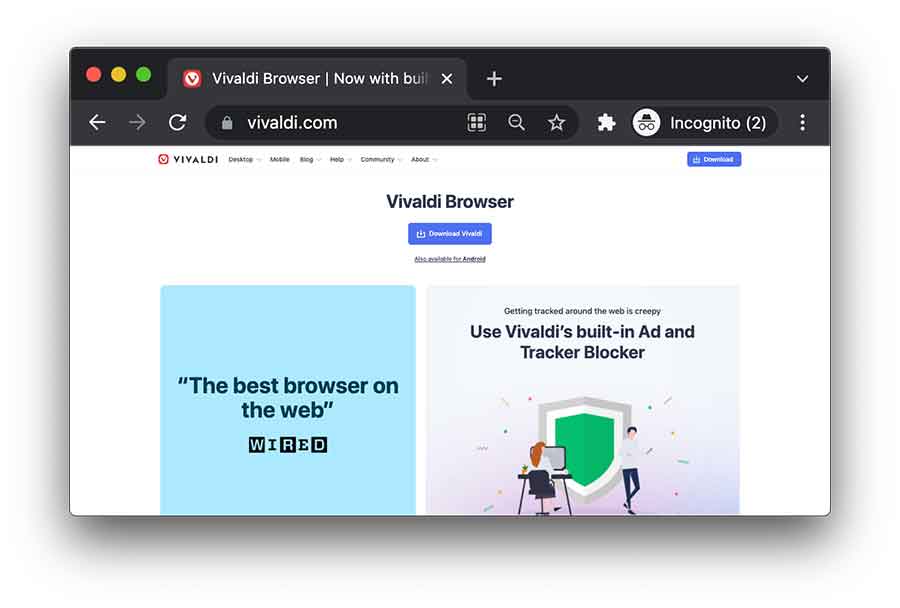
- Vivaldi: Fastest web browser that loads the web pages quickly and never tracks the users nor sells your browsing data to third parties.
- Waterfox: Free and open-source browser that prevents tracking and selling of your browsing data and other sensitive information.
- Pale Moon: Fork of Mozilla Firefox that offers various customization options and browser extension support to improve user experience.
- Disconnect Search: Identifies websites that use tracking tools and monitoring technology to track the users and prevent them from using them.
- Chromium Browser: Open-source browser that offers various customization options and is compatible with all major OS systems.
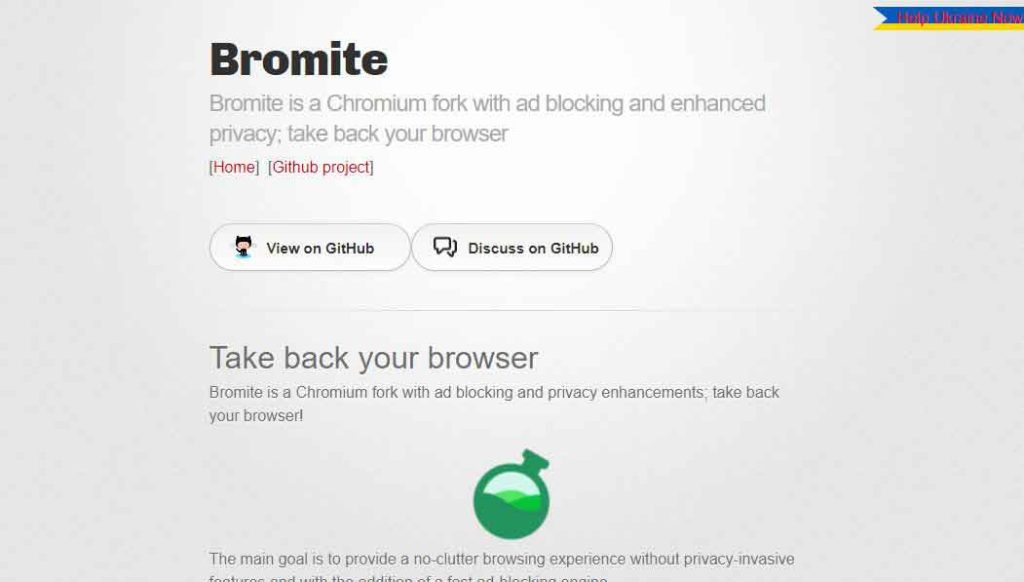
- Bromite Browser: Fast ad-blocking search engine that blocks all intrusive and unwanted ads but is only available for Android devices.
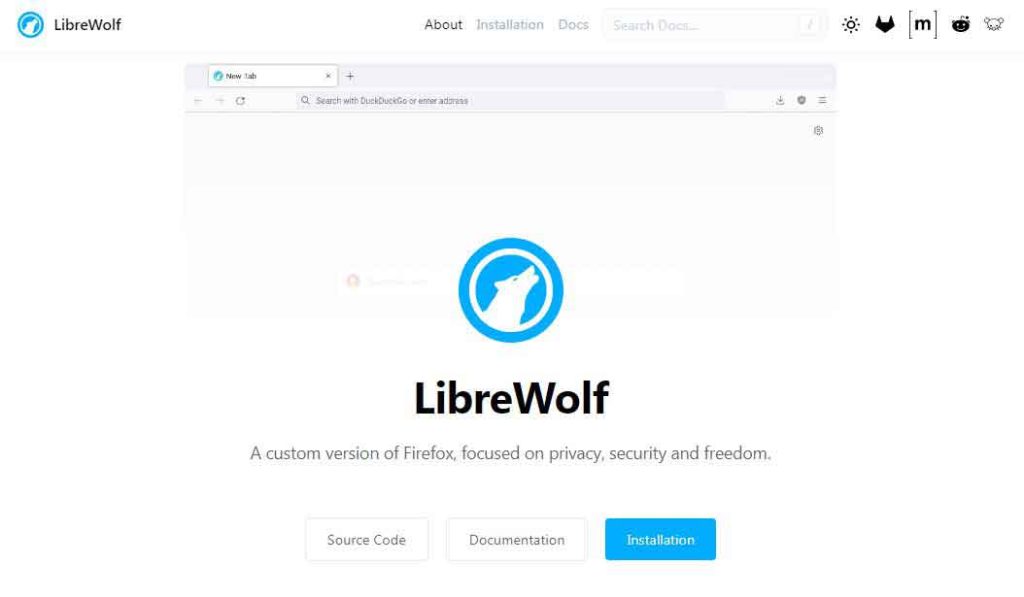
- LibreWolf Browser: Uses on-site encryption, blocks ads, and removes cookies and website data after each session.
Note: Private broswers don’t track your browsing activities. However, you are still vulnerable to various cyber threats. Therefore, we recommend using NordVPN with most secure browsers for additional privacy and security.
Most web browsers don’t respect your online privacy, leaving you vulnerable to spying and data leaks. In previous years, Google faced a lawsuit for tracking usersin private mode. Considering the web browser privacy threats, everyone is now looking for the best private browsers.
A private browser is much more reliable and safe than a mainstream browser like Google and Microsoft Edge. These browsers prevent online tracking and browser fingerprinting attempts and stop any data hunter from collecting data about your browsing activities.
This article covers the best secure and anonymous web browsers that protect your privacy. Read along and discuss them in detail.
How does a privacy browser work?
A privacy browser is designed to protect your privacy and security. These browsers do so by incorporating specific features and functionalities meant to prevent you from tracking, fingerprinting, and other privacy risks. Some techniques used by privacy browsers include;
Third-party cookies blocking
Unlike regular browsers, a privacy browser blocks third-party cookies, usually stored in your browser. These cookies are small files that track your web activity and create your unique internet profile. So, privacy browsers prevent tracking by limiting these files.
Ad-blocking
Some privacy browsers come with ad-blocking capabilities. Unfortunately, popular browsers usually display ads that might contain intrusive or malicious files on your websites. Thankfully, a privacy browser blocks ads that often collect and track your activity from your search results and the websites you visit.
Built-in VPN or proxy
A built-in VPN boosts your privacy by encrypting your traffic. This helps mask your IP address and prevent other parties, including ISPs and government agencies, from monitoring your activity.
However, it is essential to note that proxies lack robust security features such as encryption and could be less protective than a VPN.
Private browsing mode
Incognito mode allows you to surf the internet without storing your browsing history, cookies, and other tracking files. This protects your privacy from third parties collecting your information using your computer or public networks.
Anti-fingerprinting measures
Some privacy browsers integrate anti-fingerprinting measures by limiting how identifiable data, such as browser version, location, fonts, date, and other details, is collected and saved by the browser. These features go a long way in making your browsing experience more private and harder to track.
Why do you need to use a private browser?
Many browsers, like Google Chrome, work as data collection tools for advertising companies. By collecting users’ data via their browsers, they sell it to companies, and in return, they generate profit and target the users with ads. The following type of data is collected and misused by the browser:
- Autofill information: your name, email address, and other PII. Login credentials, including your username and password. Browsing history, including the websites visited.
- Cookies and trackers
- Geolocation API
- WebRTC leaks
This abusive privacy model risks your online security and privacy and exposes you to other threats. Your data is the most valuable asset, and to take complete control of your data and increase your privacy, you should use the best privacy browsers. Such privacy browsers don’t collect the data via cookies, browser fingerprinting, or trackers or leak your information to advertising companies.
Private browsers prevent privacy abusers from accessing your data and allow blocked cookies and trackers to ensure an anonymous web browsing experience.
Best private browsers – Detailed list
Since these short descriptions on the “quick list above” don’t do enough justice to the numerous ways these browsers ensure privacy and security, here are overviews of what each browser is capable of:
1. Tor Browser – Ultimate Private Browsing
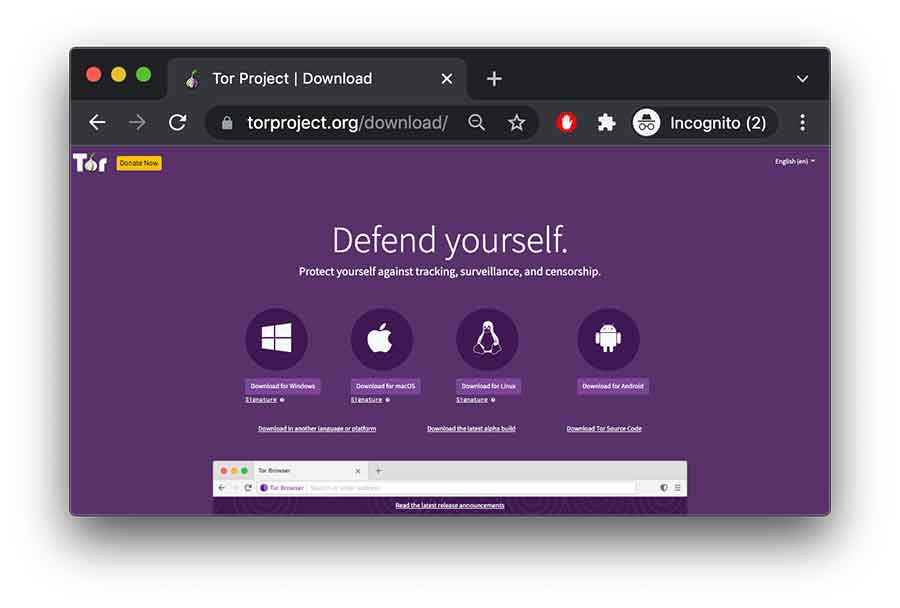
- Destination URL: torproject.org
The Tor Browser is the best free private browser that allows browsing the web anonymously without leaving any traces. It was initially designed by the US Navy for private communication and to maintain greater online anonymity. The private browser uses a system of nodes to route your data through multiple nodes. In this way, your ISP can’t view what you are doing on the web, and it ensuressafe access to the dark web.
Besides this, the browser has a range of privacy and security-focused features. It uses HTTPS encryption to keep your data protected from all prying eyes. Moreover, it also comes with impressive customization options that you can configure to prevent tracking and enhance the security levels to enjoy the desired level of online security.
By default, the browser works in private mode, so you don’t need to worry about online surveillance. Also, it deletes your browsing data after each session and protects against browser fingerprinting. However, there are a few disadvantages to using the Tor browser. Since it offers layered encryption, your data is vulnerable to hacking.
Moreover, once the data leaves the Tor browser, these layers of encryption also come off, leaving the data vulnerable. Furthermore, the Tor browser results in slow browsing speed because the traffic hops through different layers. However, you can reduce these risks by using a VPN with the Tor browser.
2. Brave Browser
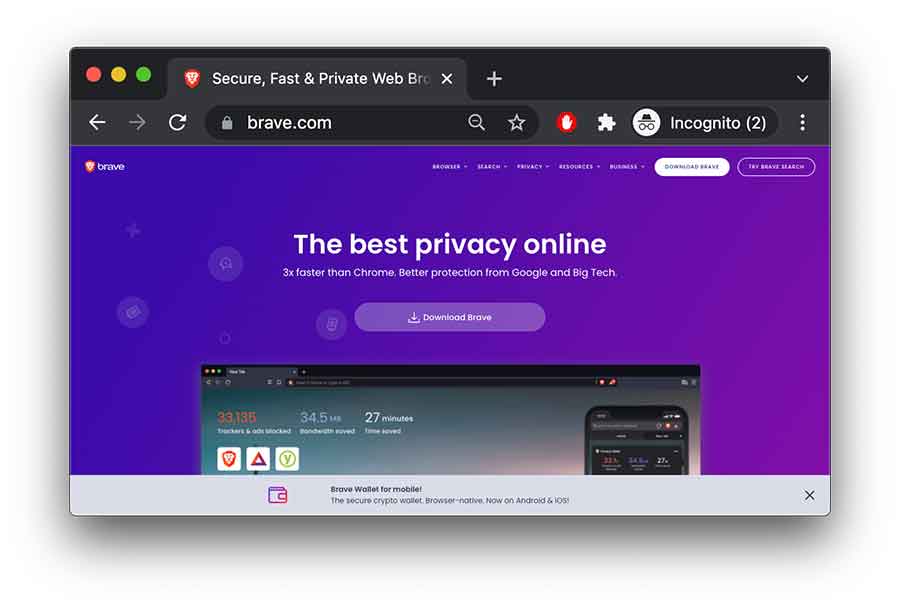
- Destination URL: brave.com
Brave Browser is also among the best private browsers for protecting your privacy on the internet. It comes with incredible features that make your browsing experience unforgettable. It uses a Brave Shield feature that efficiently blocks cookies, pop-up ads, and trackers. Like the Tor browser, the Brave browser also uses on-site HTTPS encryption and safeguards your data from privacy invaders.
The browser is compatible with all major devices, such as Windows, macOS, and Android, and gives an impressive user experience because of its simple and sleek interface. It is among the few web browsers that protect from WebRTC leaks and prevent unsecured scripts from loading. Moreover, it also uses reliable browser extensions likeScript Blocker and HTTPS Everywhere to stop ISP monitoring and trackers from collecting your sensitive data.
The browser earns revenue via the ad program that the company launched in April 2019. The Brave browser users make money from the ad-generated profit from Brave cryptocurrency. This initiative has shown a surge in the overall number of browser users. But since many people don’t like ads, they’re discouraged from using them regardless of the money factor.
3. Epic Privacy Browser
- Destination URL: epicbrowser.com
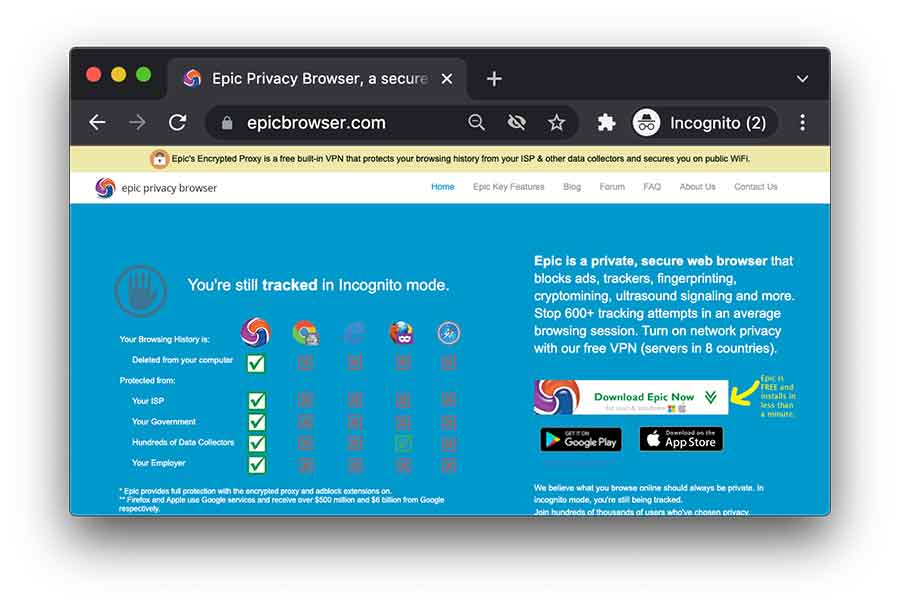
Epic Privacy Browser is a Chromium-based browser that enables anonymous browsing and doesn’t share your data with anyone. It uses an encrypted proxy that hides your IP address and makes your activities private from all snooping eyes. It also blocks WebRTC leaks and ensures that by no means does your IP address or other sensitive information get leaked. The private browser offers a clean and intuitive interface that is easy to use and has an impressive user interface.
When using the Epic Privacy browser, you don’t need to worry about storing your data on the servers. The browser permanently deletes your information at the end of every browsing session. Moreover, it wipes out web analytics and leaves no room for anyone to track your web activities further to increase your digital privacy. The browser offers security and privacy-enriched features that make your browsing experience amazing.
The Epic Privacy Browser doesn’t store your passwords and autofill information when browsing the web. It comes with aDo Not Track feature, and by enabling it, you can prevent trackers from gathering and sharing your data. It also offers built-in protection against ads and malware and ensures maximum online safety. You can download Epic Privacy Browser on your Windows, iOS, macOS, and Android devices and enjoy anonymous browsing.
Although there aren’t any significant drawbacks to using this privacy browser, except that itisn’t compatible with password managers and doesn’t support many plugins.
4. DuckDuckGo
- Destination URL: duckduckgo.com
DuckDuckGo is the most popular secure browser, increasing users’ privacy on the internet. It is the most-hyped browser because it offers a search engine that collectively maintains your privacy by not leaking your search and browsing data. The browser prevents collecting and sharing data with third parties or advertising companies.
It automatically blocks cookies and trackers that follow you from one site to another. Another impressive benefit of using DuckDuckGo is that you won’t see intrusive pop-up ads. It blocks all ads and ensures a smooth browsing experience.
Besides this, the browser is free, and itsopen-source nature makes it a reliable option. It uses an advanced, more ingenious encryption technology that prevents your ISP from tracking by upgrading your connection and enabling you to use the encrypted version of the websites. Moreover, to retain more online protection, DuckDuckGo has a privacy meter that rates the website on a scale from A-F andprevents you from using any unsecured site or those that log data.
The browser offers excellent functionality on all prominent devices and operating systems. The interface is also intuitive and easy to use. You can even add a browser extension to enjoy partial encryption and prevent trackers from invading your digital privacy.
5. Mozilla Firefox
- Destination URL: mozilla.org
Mozilla Firefox is a privacy browser that aims to enhance your digital security and privacy. It is the oldest yet the most secure and reliable privacy browser, serving users for the past 13 years. The browser offers an impressive interface that is easy to use and navigate. You can even customize the settings and make changes as you want. It provides robust privacy to the users by offering a private browsing mode.
None of your activities are tracked or recorded when you browse in this mode. It also provides a content-blocking option, and you can get rid of browser fingerprinting attempts by enabling it.
Moreover, it has an enhanced tracking protection feature that protects users from unwanted trackers that secretly gather data about their browsing activities. It uses an ad-blocker extension and ensures you won’t see intrusive ads while surfing the web. You can even add a secure browser extension and enhance your online security.
Another best thing about Mozilla Firefox is that it’s been audited for vulnerabilitiesand security flaws. Cure53 and Radically Open Security audited the browser and didn’t find significant security issues. For offering users a top-notch level of protection, Mozilla Firefox is the best private browser today. It also comes with regular security updates. However, people often complain that configuring the browser is tough, so you might need to focus on figuring that out skillfully.
6. Iridium Browser
- Destination URL: iridiumbrowser.de
Iridium Browser is a privacy-friendly web browser with an attractive user interface visually similar to Google, which is easy to use and navigate. The browser comes with incredible privacy-boosting features and plugins you can get from the Chrome web and use to enhance your privacy. It is a free and open-source browser that allows users to make necessary configurations and enjoy a much-improved browsing experience.
Iridium Browser is a secure browser to use. It blocks cookies and trackers and protects your data from getting sold to advertisers. It offers safe browsing options that transmit data related to any unprotected site back to the developers and maintain a list of malicious URLs. The browser doesn’t store your passwords and autofill information. It also allows users to use Qwant or DuckDuckGo as their default search engine and enhance their browsing experience.
Besides this, it offers fast browsing speeds and loads and renders websites quickly, which impresses the users the most.
The browser is compatible with only Mac and Windows devices. Hence, if you use any other device, you can’t avail of the benefits. Moreover, it doesn’t come with an automatic update feature. You need to update the browser to ensure it works appropriately manually. Whenever there’s a new update, the browser informs the users via the website, so do check the website in a timely manner in case you don’t miss any updates.
7. Yandex Browser
- Destination URL: browser.yandex
Yandex is a Chromium-based browser that ensures an anonymous web browsing experience. It has impressive features like an ad-blocker and a flash blocker that don’t interrupt while browsing the web. The Yandex browser’s most incredible feature is the site reputation indicator. When enabled, this feature informs you that the website you are visiting is safe, and if it finds security issues, it stops you from accessing it further.
Like DuckDuckGo, the Yandex browser also has a search engine that offers a great user experience. It has a sleek user interface and gives similar functions to Google. Using the Yandex browser and search engine, you can easily configure your browser settings and make your web browsing experience unique. You can download the browser on Mac, Linux, and Windows devices and boost your privacy.
The browserdoesn’t log or share your data with the advertisers, thus maintaining greater online security. However, there are concerns over the browser’s privacy policy; therefore, using it with a VPN provider is better.
8. Puffin Browser
- Destination URL: puffin.com
Puffin Browser is also a secure browser that you can use to combat browser security issues. It uses a proxy that hides your IP address and makes you anonymous. Your ISP and other snooping eyes won’t be able to view your online activities.
However, since it doesn’t wholly encrypt your data, using it alongside a VPN is best to ensure maximum privacy and security. The browser uses a private browsing mode like many other best private browsers, making it impossible for trackers to steal your valuable data.
The best thing about the Puffin browser is that it works on cloud servers and thus loads web pages quickly. It’s often regarded as the fastest web browser for quick search results. The browser offers a private browsing mode that keeps your activities private and out of the reach of prying eyes. Since it operates in the cloud, it protects users from malware and other online threats.
But there are some severe concerns regarding the Puffin browser. The browser claims to collect some data forwarded to the advertisers in its privacy policy. For this reason, you will see several ads while you browse through the Puffin browser. By using reliable ad-blockers, you can overcome this problem.
9. Globus Browser
- Destination URL: browser.en.softonic.com
Globus browser also makes it into the best private search engine list. It is among the rare web browsers with a built-in VPN that helps access the blocked website and hide your online identity. Since it comes with VPN functionality, it provides a natural data encryption feature that changes your data into an unreadable form and takes your online security to the next level. It uses military-grade encryption keys for encrypting and protecting your data from privacy invaders.
Globus browser doesn’t store your data and keeps it safe from the public. Thus, you don’t need to worry about recording your data and other sensitive information. The browser is a Chromium-based browser with a simple and user-friendly interface familiar with Google Chrome.
Moreover, the browser offers excellent customization options that you can make according to your preferences. However, many people don’t like its interface and complain about having a dull interface.
10. Vivaldi
- Destination URL: vivaldi.com
Vivaldi browser is a good option; it has a wide range of impressive features that make your browsing experience unforgettable. It is also among the best private browsers that never track users or sell their browsing data to third parties. With the Vivaldi browser, you can take your internet privacy to the next level.
It uses an ad-blocker that blocks ads and loads the web pages quickly. You can also enable the tracking protection feature and block sites that track you. Moreover, the browser also brings extension support to strengthen your privacy on the web.
Other than this, other features like built-in Mail clients and note managers make your overall experience better. You can download the browser for free, but there are three different plans, i.e., essentials, classic, and fully loaded. They all offer various features, so download the one that fits your needs.
11. WaterFox
- Destination URL: waterfox.net
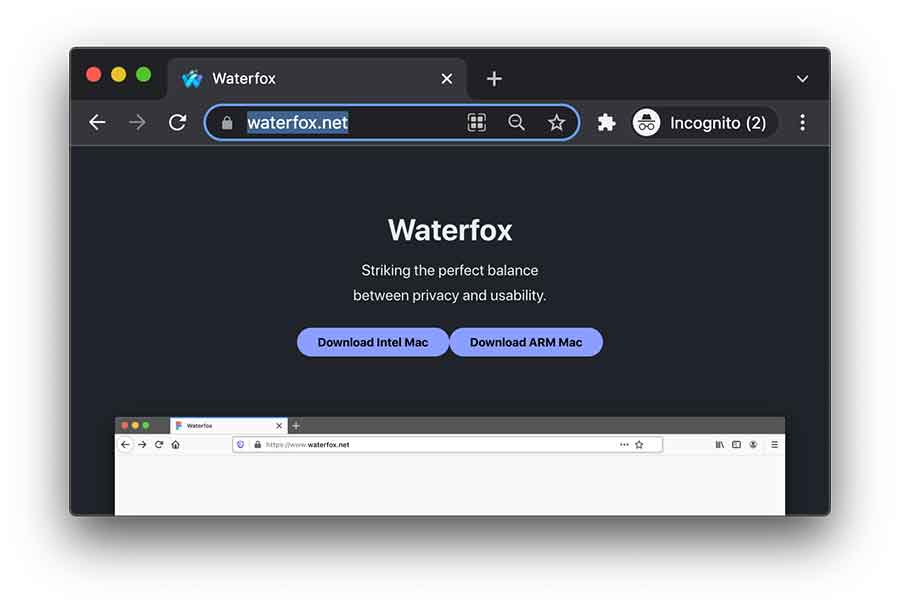
Waterfox is a secure browser that is a fork of Mozilla Firefox. It is a free, open-source browser that prevents tracking of your browsing data and other sensitive information. The browser is popular among users who want to enjoy the same functionality as Firefox. However, the browser does keep limited data to keep the browser functioning smoothly, which privacy-conscious people won’t like.
Therefore, you can use a legitimate VPN provider and the Waterfox browser to prevent data logging and enjoy anonymous browsing without letting anyone know about your online activities.
It supports extensions from the Chrome and Firefox add-on stores. You can download the ones you find suitable and increase your digital security. Moreover, it is one of the most customizable browsers that enables users to configure the browser in any way they want. The Waterfox browser developers created it with much faster speeds than Firefox, so you can enjoy browsing the web with stable speeds.
Waterfox is an excellent option to use when it comes to safe browsing. It blocks harmful and malicious content and even warns users about websites secretly downloading software on their devices. The browsers also offer multiple device compatibility, and you can download them on your Windows, macOS, and Linux devices. Previously, it offered an Android version, but now it is no longer available on the Google PlayStore.
12. Pale Moon
- Destination URL: palemoon.org
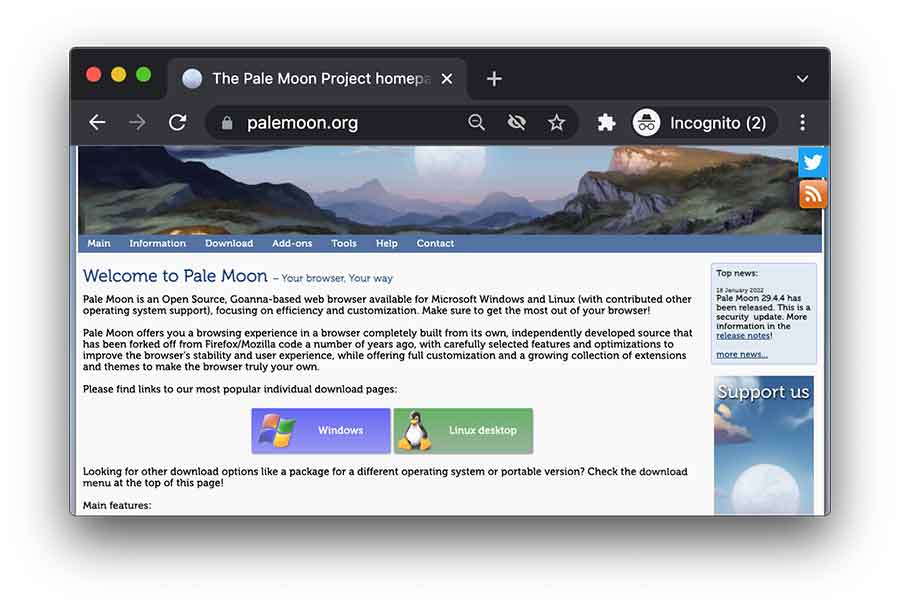
Pale Moon is an open-source web browser for Windows and Linux platforms, ensuring an anonymous web browsing experience. It offers customization options and browser extension support to improve its reliability and user experience. The interface is also user-friendly and doesn’t cause any trouble to the users.
It is a secure browser because it serves zero ads, spyware, and data logging practices. Also, it is lightweight and delivers fast search results. The best thing about this browser is that it is run by a privacy-focused non-profit organization that makes every effort to maintain your online security and privacy.
13. Disconnect Browser
- Destination URL: disconnect.me
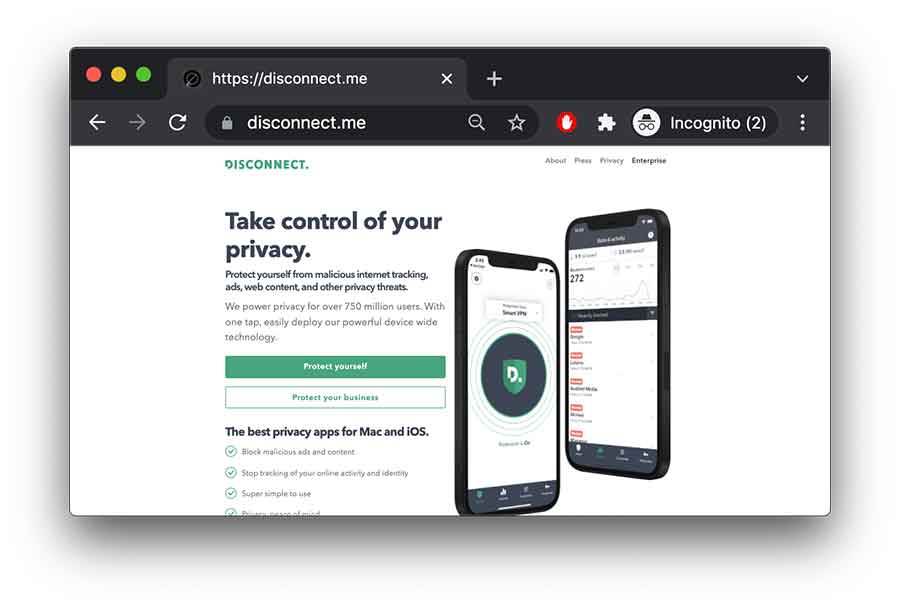
Disconnect Browser provides essential functions to users, making it worth mentioning and competing with other best anonymous browsers. Like other private browsers, the Disconnect browser doesn’t track users.
It identifies websites that use tracking tools and monitoring technology to track users and their data. Once it finds such unprotected websites, it stops users from accessing them further. It disconnects the users’ connections and maintains their privacy on the web.
Apart from this, the browser offers a simple yet appealing interface that is easy to use and gives users a fantastic browsing experience. Also, it blocks intrusive and malicious ads that can pose severe risks to your online security.
14. Chromium Browser
- Destination URL: download-chromium.appspot.com
The Chromium browser is an open-source private browser that promises a faster and safer way to surf the web. Since it’s open-source, it is an excellent option for web developers and advanced users. The developers are always working hard to improve the security flaws and ensure a more secure browsing experience.
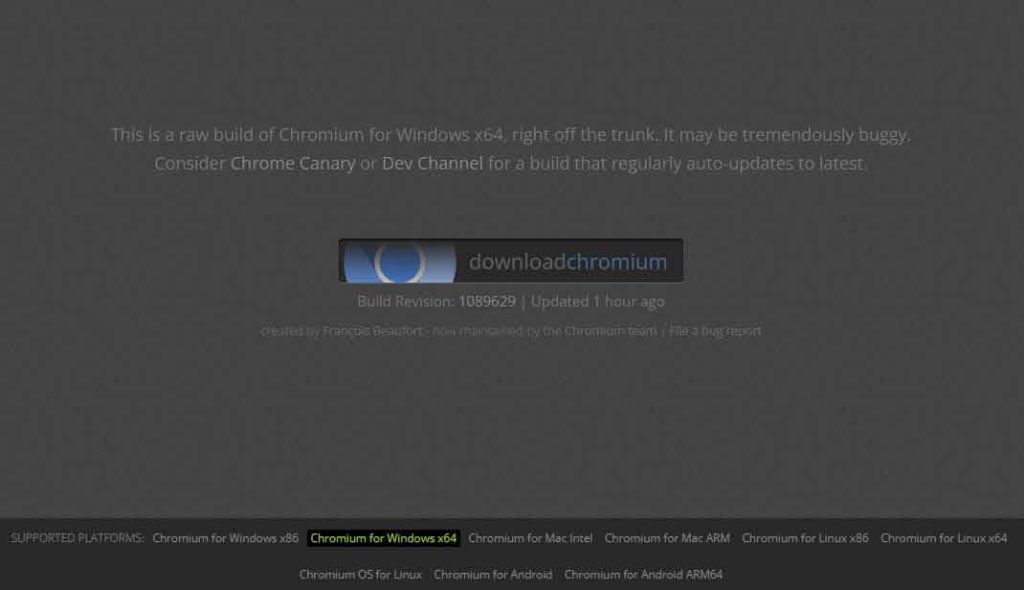
The most impressive feature of the Chromium browser is that it doesn’t track or store any browsing data. In addition, it allows users to add browser extensions without restriction and customize their browsing experience. The browser is compatible with all major platforms and available for downloading through its official page. The page automatically recognizes your device’s operating system and provides the correct version of the Chromium browser.
However, on the downside, the browser hasn’t been audited by any cybersecurity firm, which might concern some users. Besides this, it lacks automatic updates and support for Adobe Flash, so users must add the code to use it on websites that need Flash to function properly.
15. Bromite Browser
- Destination URL: bromite.org
Bromite browser is a Chromium-based browser that offers various security-centric features, ensuring a secure and private browsing experience. The privacy-oriented browser has a fast ad-blocking search engine that blocks all intrusive and unwanted ads and loads web pages faster. Besides this, it has an impressive Search Smart feature that enables private browsing and guarantees that no digital privacy abusers will learn about your browsing habits.
The browser enables users to always browse in Incognito mode, which prevents online trackers from keeping a record of their browsing history. To further provide a private browsing experience, the Bromite browser enables users to select search engines like DuckDuckGo or Qwant to stop online snoopers from spying on their activities.
There isn’t any significant drawback to using this browser. The only thing that disappoints the users is that it is only available for Android devices. So, unfortunately, if you’re a Windows or Mac user, you can’t benefit from this browser.
16. LibreWolf Browser
- Destination URL: librewolf.net
LibreWolf is another version of the Firefox browser that aims to provide online freedom and a safe and private browsing experience. It comes with various security and privacy-focused features that increase digital privacy. Above all, the browser deletes cookies and website data whenever you close the browser.
Besides privacy, the browser guarantees robust security using HTTPS encryption and prevents third parties or hackers from knowing which websites you visit. It also enables users to block ads in the URL and enjoy an ad-free browsing experience. Besides this, it lets users use DuckDuckGo or Searx search engines to protect their searches and browsing activities from privacy abusers.
Another impressive feature of LibreWold is its unique RFP feature, one of the best anti-fingerprinting solutions and block fingerprinting techniques.
Furthermore, the browser allows users to add reliable extensions like uBlockOrigin. But it’s better if you don’t install too many add-ons, as they can contain security vulnerabilities and can risk your digital privacy and security.
How to choose privacy browsers?
When choosing privacy browsers, there are various considerations that you should make:
- Data handling practices: Before choosing a browser, consider its practices. Ensure you delve deeper into how it collects, stores, and shares your data to avoid falling victim to privacy and security breaches.
- Privacy features: When looking for a browser, choose one with robust privacy and security features, such as disabling JavaScript, third-party cookie blocking, and private browsing mode, among others.
- Open-source: Reliable browsers believe that they are up to the task of protecting user privacy and security. Therefore, they don’t feel the need to use closed-source code to hide their data tracking practices. Going for an open-source browser means anyone wishing to inspect the source code can do so freely.
- Privacy policy: While some browsers are shady when stating their privacy policy, much of the information you need to know about their data practices is in the privacy policy. So, when choosing a browser, ensure you go through the fine details of the policy to understand its tracking activities and terms of usage.
- Reputation: Even before choosing which browser to scrutinize, its reputation tells a lot about its performance. Do a thorough background check to determine whether the browser has had past cyber breach incidents.
- Jurisdiction: Where a browser is hosted determines many of its data practices. For instance, a browser originating from China is more likely to be a victim of internet censorship practices and data usage policies that govern the land. Therefore, always go to a search engine based in privacy-friendly jurisdictions.
Browsers you should avoid at all costs
Internet Explorer/ Microsoft Edge
Microsoft Edge and Internet Explorer have been criticized for their security and privacy flaws. Unlike most regularly updated browsers, Internet Explorer no longer receives updates. This exposes it to potential threats due to a lack of security patches to fix various vulnerabilities.
In addition, Edge collects private data such as form entries, passwords, and browsing history. Microsoft then stores this data, which is often a target for most hackers. Also, the DRM technology Microsoft employs limits who can access content depending on whether they have media licenses, which is a great inconvenience.
While Edge has attempted to improve its features to prevent tracking by blocking web trackers, there are still more significant concerns about its privacy. The browser is also a closed source, meaning the public doesn’t have open access to its source code. As such, it’s difficult to ascertain the browser’s privacy and security measures.
Opera
Opera positions itself as a secure browser, which is often not the case. Its built-in VPN is a proxy that is disguised as a VPN. Unlike a standalone VPN service, proxies lack robust encryption.
The browser’s security flaws are evident in past cyber incidents. For instance, in 2016, cybercriminals hacked into its cloud servers, resulting in leaked IP addresses.
Moreover, Opera’s privacy policy is shady, claiming to collect and share personal data when you use its products. This didn’t exclude the built-VPN. Therefore, it still collects your location and device details even when connected to its built-in VPN.
Often, when browsers collect and store your data, they most likely share it with third parties. This is no different from Opera. The browser shares your data with big tech companies, including Google, Facebook, and other rising companies, putting your privacy in danger.
Opera’s acquisition by a Chinese company raises significant privacy concerns. China is a country known for its strict internet censorship and usage policies. Therefore, you can never know its practices since the government protects it. Overall, you’re better off using other secure browsers.
UC Browser
UC Browser also poses severe privacy and security risks. The browser is popular in Asian countries and has close ties with the Alibaba Group.
In the past, there have been severe incidents of data leakage and unencrypted internet traffic by the browser, which gives cybercriminals an easy task. Some leaked data include IP addresses, search queries, and users’ locations.
The 2020 ban by the Indian government, quoting national security ris,k was also a massive blow to the browser. This painted a bad image of its overall reliability.
Vivaldi
Vivaldi is pretty secure, but it falls short of its tendency to assign a unique ID to every device that installs the browser. The browser uses the ID to forward data to its servers based in Iceland every 24 hours.
While they claim that the data is used to monitor the number of active users, it is pretty fishy that they must collect and store it. So, you should be more cautious of the browser since we can’t determine what else they collect and shares with other parties.
The fact that you might register using an email address, date of birth, and name to use the browser is a significant cause for concern. You shouldn’t entertain a browser needing that much personal information for browsing.
GNU IceCat
This is another browser that you should be wary of. The browser boasts a few privacy features, such as SpyBlock, LibreJS, and HTTPS-Everywhere. However, it lacks regular updates and might take years to roll out an update.
This makes its security patches quite vulnerable to breaches. To be on the safe side, it’s better to stay off this browser than find out as a victim just how much your data is vulnerable.
Another factor that makes the browser less desirable is that it’s only available for Linux. Therefore, most users won’t bother with it anyway.
Which is the best private browser?
All the private browsers discussed in this article are best in one way or another for increasing your privacy. However, the Tor browser, Firefox, and Brave are the best browsers for maintaining privacy. They are all free and come with incredible privacy and security-boosting features that make your browsing experience amazing.
These browsers don’t log or share your data with third parties or advertising companies. Hence, you won’t see pop-up ads while using these browsers. However, increasing your security level is never a bad idea; thus, you should always use a reliable VPN provider with these browsers. A VPN provides end-to-end encryption that completely encrypts your data, making it impossible for anyone to breach your privacy.
Does using a private browsing window hide my IP address?
No. When using a private browsing window, your IP address remains visible. A private window simply doesn’t store permissions granted to various websites, browsing history, or the information you’ve keyed into various sites.
While Opera, Firefox, and Microsoft Edge claim to use an anonymous web, they aren’t keeping your identity private. The best way to mask your IP address is to use a VPN. That way, ISPs, government agencies, and third parties cannot know your identity.
Why private browsing mode isn’t good enough
Below are some reasons why private browsing is considered insufficient include the following:
- Doesn’t block third-party cookies: Private browsing only blocks local cookies, browsing history, and other temporary files. However, it doesn’t block third-party cookies like advertisers, which could compromise your privacy.
- No protection against tracking: Incognito mode does not offer complete protection against online tracking. While it may prevent websites from storing cookies on your device, it does not block other tracking methods like fingerprinting, pixel tracking, or browser profiling. Websites can still gather information about browsing through these techniques, infringing on your privacy.
- No encryption on your connection: Private browsing mode does not encrypt your internet connection by default. While it can prevent the browser from storing data locally, ISPs and third-party entities can still track or monitor your online activities if you’re connected to an insecure network. Therefore, use a Virtual Private Network (VPN) or a secure HTTPS connection for proper protection.
- Does not prevent malware or phishing: Private browsing mode provides no additional protection against malware or attacks if you visit malicious websites or click harmful links. In contrast, your system can still be compromised in incognito mode.
What is the most common personal web security risk?
The worst mistake you can make on the web is to link your private information, such as address, phone number, usernames, and passwords, to social media. Cybercriminals can use this information to infiltrate your private accounts.
So, always use pseudonyms to stay safe when signing up on social media. Also, turn location services off and avoid posting your home address or place of work. All it takes is a set of personal information for cybercriminals to get full access to your entire online presence and wreak havoc on your privacy.
Furthermore, avoid posting too much about your day-to-day activities. People with wrong intentions can track your movement, putting your home and loved ones in danger.
Memes have become part and parcel of our daily lives. However, they are not all that, as they pose a significant danger to your privacy and security. The name generator memes that ask for your childhood street name, your maiden name, where you attended high school, your first pet’s name, or any other identifiable information to generate a gnome are dangerous.
Various websites use most of these answers as security or recovery questions. Therefore, submitting these answers thinking it’s just a meme could grant an evil doer access to your confidential accounts.
Best VPN to use with private browsers: NordVPN

- Over 8,000 servers in 120+ countries to smooth browsing
- P2P optimized servers
- Supports up to 10 simultaneous connections
- No logs policy
- Uses AES 256-bit encryption
- A network kill switch
- Ad and malware blocking
- Compatible with Windows, Android, Apple TV, Mac, iOS, routers, etc.
- Works with Yandex browser, Mozilla Firefox, Brave, Tor, Globus, DuckDuckGo, and more
NordVPN also ranks as one of the most reliable VPNs in the market. Since it comes with a wide variety of servers, it has excellent abilities to unblock websites across the globe.
The speeds are also super-fast, supporting a P2P network and improving privacy and security. It also uses 256-bit encryption, a military-grade encryption standard, to protect your data from intruders. Furthermore, NordVPN doesn’t collect or store your data, thanks to its strict no-logs policy. Therefore, you don’t need to worry about private browsers collecting some of your private information when using NordVPN.
Since most private browsers don’t support ad and malware blocking, NordVPN ensures you don’t miss out on the feature. It blocks known trackers from collecting or storing your private data. Moreover, unlimited bandwidth allows you to browse extensively on your private browser without worrying about data caps.
Tips to browse the web anonymously
You should consider a few protective measures to stay safe while browsing. Here are some tips that you should follow to become more private and anonymous on the web:
Use a secure private browser
A private browser maintains your online security and privacy by not logging your IP address, browsing data, login credentials, and autofill information. Moreover, they even protect from browser fingerprinting attempts and stop it from collecting unique information about the user.
Use a private search engine
You use a secure browser and, similarly, use a private search engine. They don’t record or track your search data and deliver fast, authentic, and personalized search results. Check this post and decide the best search engine for yourself.
Use an ad-blocker
While you browse the web, you are bombarded with intrusive personalized ads. Start using the best ad-blockers and block ads that ruin your browsing experience.
Connect to a VPN
The encryption provided by a VPN is unmatched. It creates a secure, encrypted tunnel through which your data travels safely and remains invisible to spying eyes. Another benefit of a VPN is that it hides your IP address, location, and browsing history and prevents the ISP from viewing your online activities.
Use browser extensions
Reliable browser extensions like uBlock, HTTPS Everywhere, and NoScript prevent cookies and trackers from collecting your data.
Browser add-ons for security and privacy
uBlock Origin
uBlock Origin is a powerful ad-blocker that goes beyond blocking annoying ads. It also filters out tracking scripts and malware domains, providing a cleaner and safer browsing experience. By preventing these elements from loading, uBlock Origin helps to improve page load times and reduce data usage.
Furthermore, its customizable filters allow you to fine-tune your ad-blocking preferences and legal-specific sites if desired.
Privacy Badger
Privacy Badger is a product of the Electronic Frontier Foundation (EFF) and is an effective tool for countering online tracking.
It automatically detects and blocks third-party trackers that attempt to monitor your browsing activity. Privacy Badger learns as you browse, dynamically adapting its blocking capability to protect your privacy without breaking websites.
Additionally, it offers a user-friendly interface that displays which trackers are being blocked, giving you insight into the tracking landscape on different sites.
NoScript
NoScript is a comprehensive security tool that allows you to control the execution of websites’ JavaScript, Java, Flash, and other plugins.
By default, it blocks all scripts and gives you the power to enable them selectively for trusted sites. This helps mitigate the risks associated with malicious scripts that can exploit vulnerabilities in your browser or introduce malware.
While NoScript may require some configuration and adjustment, it offers advanced users granular control over the active content on web pages, enhancing browser security.
Ghostery
Ghostery is a privacy-focused extension that detects and blocks trackers, providing transparency about website tracking technologies.
It allows you to see which trackers are present and choose which ones to block or allow. By blocking these trackers, Ghostery helps protect your privacy, reduce data collection, and enhance browsing speed.
The extension also offers additional features like anti-tracking protection for search engines and a privacy-friendly, enhanced ad experience, giving you better control over your online privacy.
Tweak your browser settings
Some browsers offer exceptional customizable settings options that you can configure to improve your online security and privacy. So, remember to navigate through your browser’s settings menu and make the necessary changes.
Protecting your privacy on the web is not at all a daunting task. You need to practice a few tips like those mentioned above, and make browsing safer and more accessible.
FAQs
Share this article
About the Author

Rebecca James is an IT consultant with forward thinking approach toward developing IT infrastructures of SMEs. She writes to engage with individuals and raise awareness of digital security, privacy, and better IT infrastructure.
More from Rebecca JamesRelated Posts
Tor Browser Privacy Setting – How to Setup Properly?
The Tor browser is notorious for providing a secure browsing experience and allowing access to the d...
The Role of Developer Security in Software Development
KEY TAKEAWAYS The revolution of DevOps has reduced the SLDC and resulted in the creation of many sof...
Is Tor Illegal? Learn What Makes It Legal to Use
KEY TAKEAWAYS Tor is one of the most popular private browsers in the industry. However, most people ...
17 Best Tor Alternatives for Anonymous Browsing
KEY TAKEAWAYS If you want a Tor alternative to achieve better privacy and security, using a VPN like...
Who Can See My Browsing History and Activities – Lets Find Out
KEY TAKEAWAYS The following mentioned below are the most prominent sources that can see your browsin...
How to Browse Privately in 2026 – 11 Best Tips
KEY TAKEAWAYS If you wish to stay anonymous and private while surfing the internet, the outlined tip...