Browsers with built-in VPN features are a popular option for bypassing geo-blocks and censorships. But since they are merely proxy-based servers, they won’t allow you to choose custom locations, nor do they allow good speeds. Nevertheless, some popular VPN browsers are as follows:
- Aloha Browser: Reliable VPN browser that hides IP addresses, blocks ads, and encrypts browser data.
- Opera Browser: One of the best VPN browsers that encrypts data through AES-256-bit encryption.
- Globus Browser: Secure browser with built-in firewall for malware protection.
- Avast: Robust browser that hides your IP address, encrypts data and offers DNS security.
- Epic Privacy Browser: Reliable browser that filters WebRTC to prevent IP leaks.
- UR Browser: Chromium-based browser with built-in virus protection.
- Brave Browser: Chromium-based browser with an open source code and built-in phishing protection.
- Tor Browser: A secure browser that secures data within layers of encryption.
- Psiphon Browser: Open-source privacy browser that bypasses censorship through VPN, SSH.
- Mozilla Firefox: Quantum-based browser with fingerprint protection.
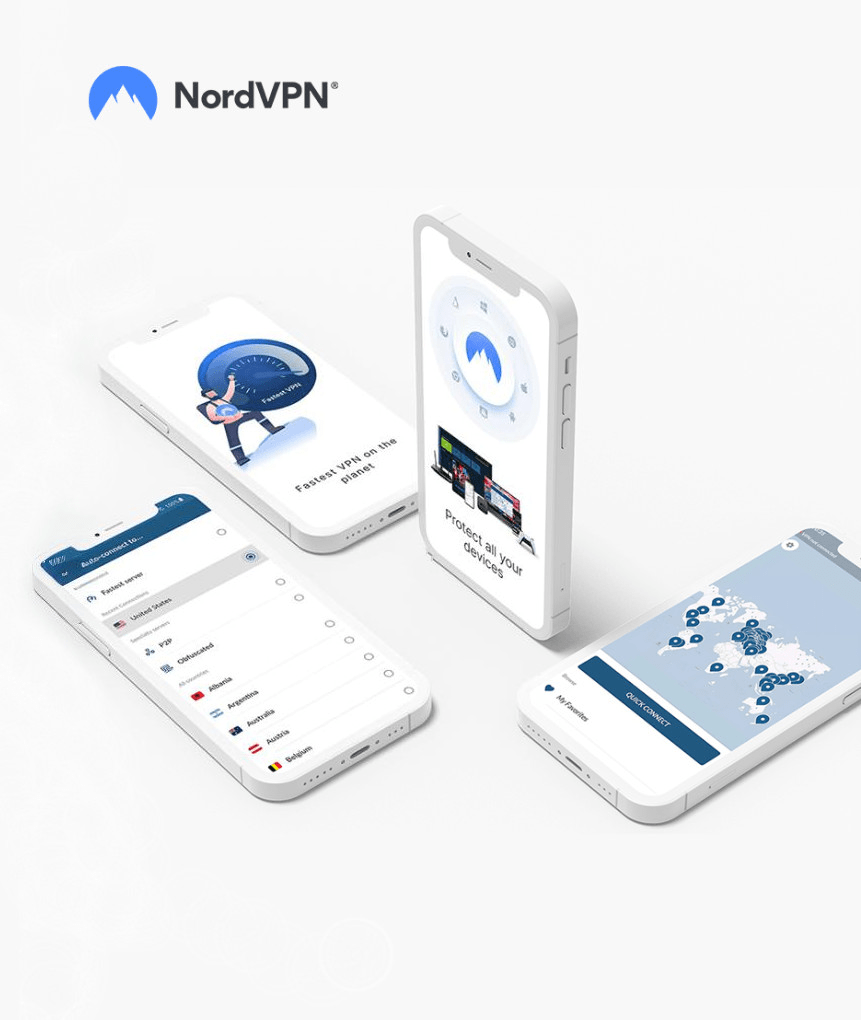
Note: If you want to use popular browsers like Chrome and Mircosoft Edge but also want anonymity, we recommend using NorVPN’s browser extension. The VPN is compatible with multiple browsers and has respective apps for various operating systems.
VPN is the best-known method for enabling online anonymity, which is why browsers with built-in VPNs are popular for anonymous browsing. However, despite their claim, the privacy and security offered by these browsers are a faint reflection compared to a VPN. These browsers with built-in VPNs don’t encrypt your connection like an actual VPN.
In other words, they are not VPNs but merely proxy-based routing systems. Therefore, a VPN browser’s maximum security is masking your IP address for anonymity and blocking trackers and cookies from stealing your data. Apart from that, they are also a reliable tool if you want to bypass geographical restrictions.
Best VPN browsers with Built-In VPN – Detailed list
The main idea of using browsers with built-in VPNs is to have a private, secure, and reliable browsing experience. The following VPN browsers are designed to offer just that:
1. Aloha Browser
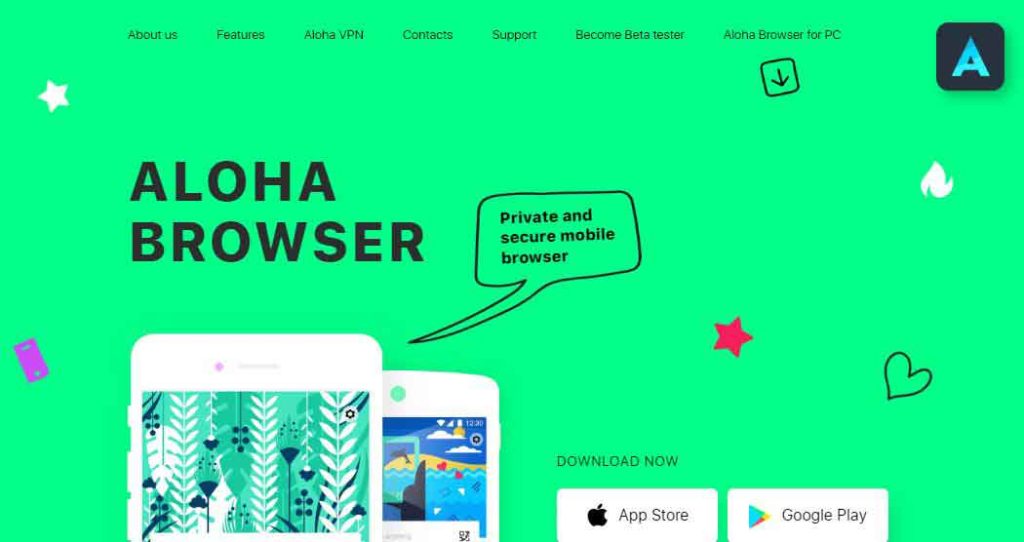
- Website URL: alohabrowser.com
Aloha browser is one of the best mobile browsers that offer a secure and reliable browsing experience with no tracebacks. It is compatible with several platforms, including Android, which makes it one of the best and most reliable browsers with built-in VPNs.
The browser has a clean, sleek, and easy-to-use interface and several customization features that make it ideal for beginners and experienced users. Apart from that, the VPN browser offers several features that help browsers online anonymously, such as:
- Built-in Adblock – blocks intrusive and malicious cookies, trackers, and ads
- Free unlimited VPN- encrypts your browsing data
- Private mode- browse privately without trackbacks and history.
- Private tabs- secure your browser tabs with a fingerprint or passcode.
Apart from ensuring secure browsing, the Aloha browser offers a media player. Although the VPN browser is free, it has a premium version with advanced features such as VPN country selection, premium themes, support for ZIP archives, and much more.
2. Opera Browser
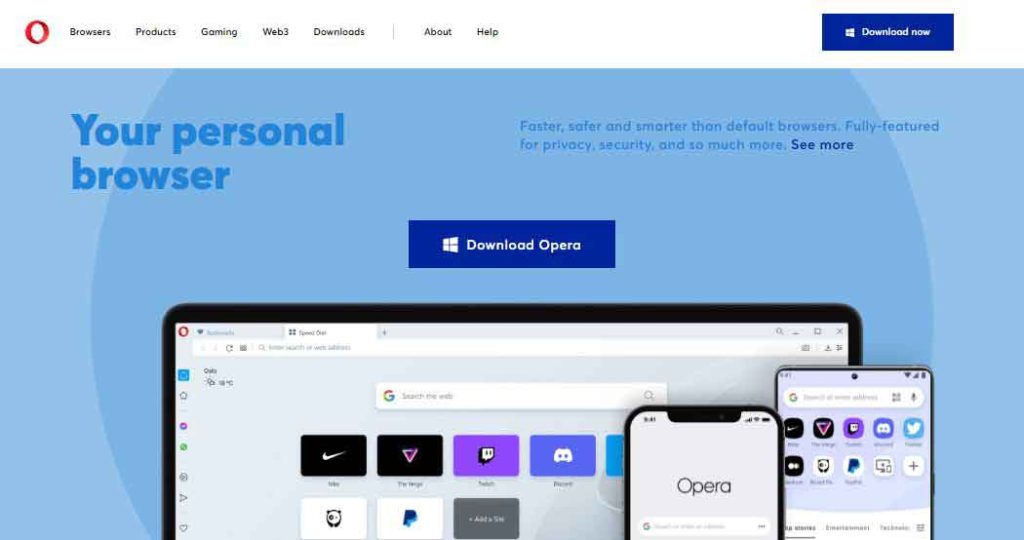
- Website URL: opera.com
Opera VPN browser is one of the oldest browsers offering a built-in VPN feature. The browser has a straightforward interface that is easy to use and navigate. Moreover, the built-in VPN offers decent privacy and security by encrypting your data through AES-256 bit encryption and other reliable features such as:
- A strict no-logs policy- it does not store data logs
- Automatic ad and tracker blocker- blocks intrusive ads, trackers, and cookies that hinder your privacy.
- Five international locations- has servers in Canada, the US, Germany, and Singapore.
Although the browser has a built-in VPN, it has to be turned on/off with a simple toggle. However, some sites might block you while you are using it. The Opera browser has several other impressive features, such as an integrated messenger, fast speed, and easy file sharing. A premium version is valuable for anyone looking for extra features such as up to 6 simultaneous connections and 3000+ servers.
3. Globus VPN Browser
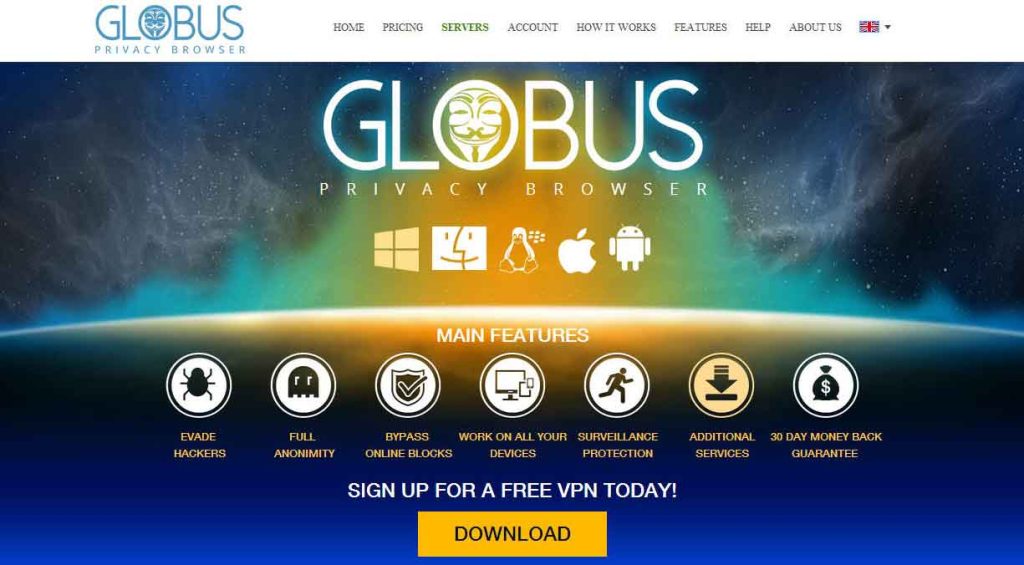
- Website URL: filehippo.com/download_globus-vpn-browser/
Having been around since 2014, Globus is a popular browser offering VPN integration. The browser is easy to use with its clean and straightforward interface. However, unlike other modern browsers, it does not provide customizable options. Apart from that, the chromium-based VPN browse offers several privacy and security features for secure browsing, such as:
- It has a robust traffic encryption system to conceal your online presence.
- A solid firewall that protects you from malware, viruses, and cyber attacks.
- This free VPN agent will allow you to bypass regional restrictions easily.
The VPN browser has a sleek and easy-to-use interface that is easy to navigate, even for first-time users. However, it does not offer many customization features. Apart from that, while the VPN browser is sleek to use, it does lack in providing super-fast speeds.
4. Avast
- Website URL: avast.com/secure-browser#pc
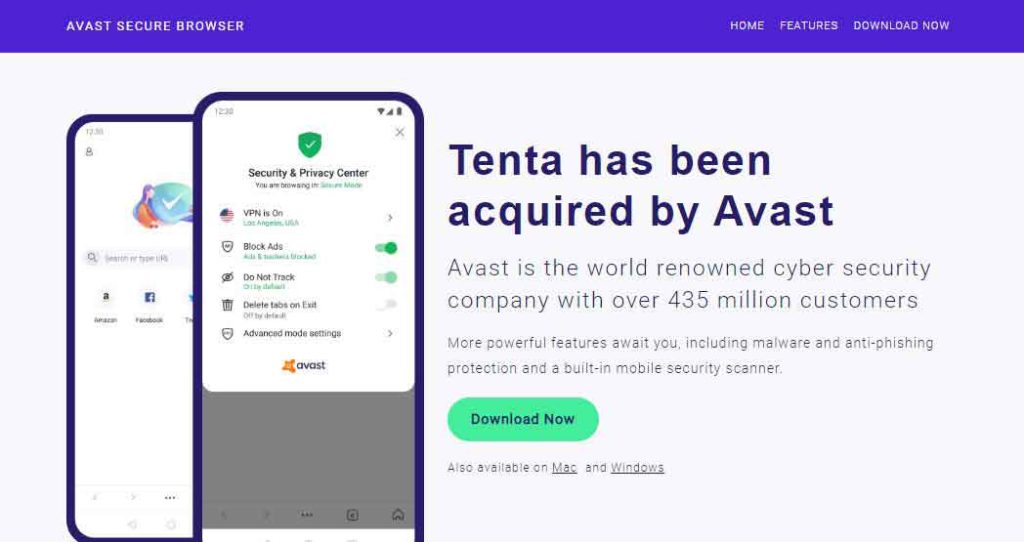
Tenta is one of the best Android browsers that promises optimum privacy and security. Although Avast VPN now acquires it, it has long since upheld its reputation as a secure browser. The VPN browser allows a reliable, secure browsing experience by hiding user IP addresses and encrypting browsing data. Some of the critical privacy and security features of the Tenta browser are as follows:
- Secure access through a pin code or fingerprint lock
- Built-in VPN that encrypts user data with secure AES-256-bit encryption
- DNS security through DNS over TLS, DNSSEC, and decentralized DNS.
- Encrypted media vault
- Blocks ads and trackers
- No logs VPN browser
Despite such complex privacy and security features, Tenta has an easy-to-use, user-friendly interface. The VPN browser offers customizable browsing options such as grouping tabs by VPN location and setting one mode for all tabs. Moreover, it also supports decentralized Web 3.0 and offers anonymous browsing by default. It is a reliable VPN browser available for free and upgradeable to a premium version.
5. Epic Privacy Browser
- Website URL: epicbrowser.com
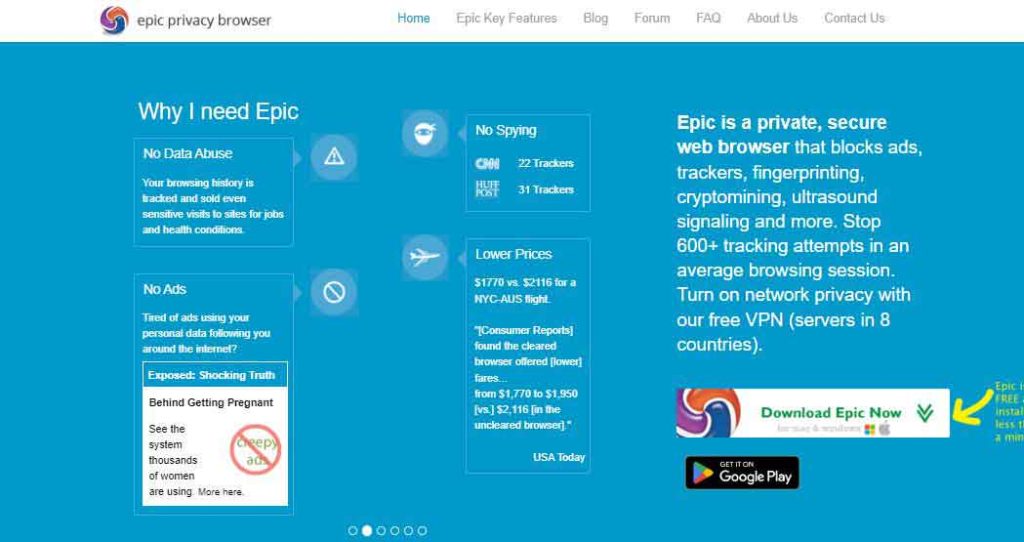
One of the best Chromium-based Browsers, Epic Browser, promises to safeguard your privacy. The browser runs in an always-on private browsing mode and also offers numerous other privacy and security features, such as:
- WebRTC filtering to prevent IP leaks
- Does not log your data or your browsing history
- Blocks ads, trackers and
- Automatically redirects you to the HTTPS version of every website.
- An encrypted proxy VPN server
The VPN browser is free to use and has no data use restrictions. The VPN proxy servers offer eight different server locations to pick from: the US, Canada, the UK, Germany, France, the Netherlands, India, and Singapore. Apart from privacy and security, the Epic privacy browser offers additional features such as an encrypted vault, an audio queue, a video downloading feature, and a reader mode.
6. UR Browser
- Website URL: ur-browser.com
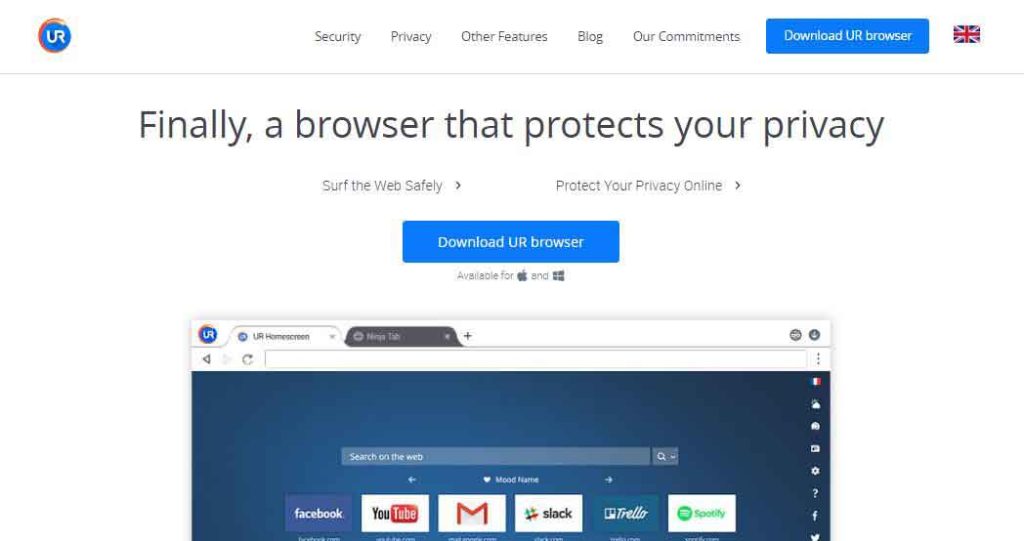
A relatively new VPN browser, UR Browser has become the talk of the town. The chromium-based VPN browser provides super-fast speeds with stable and secure online browsing through remarkable features such as:
- Blocks third-party ads and invisible trackers
- A ninja mode that erases data after the end of each session.
- A built-in virus scanner
- Provides default private search engines such as Qwant, Lilo, Ecosia, and StartPage
- 2048-bit RSA encryption for secure surfing and data exchange.
- Automatically directs websites to HTTPS versions.
The UR browser has a user-friendly and customizable interface. Users can personalize their browser home screen through unique HD images and 3D parallax wallpapers. Moreover, they can also customize widgets and backgrounds as per their preferences. Another impressive feature is that the browser allows super-fast downloading and organizes all the downloads in specific folders.
7. Brave Browser
- Website URL: brave.com
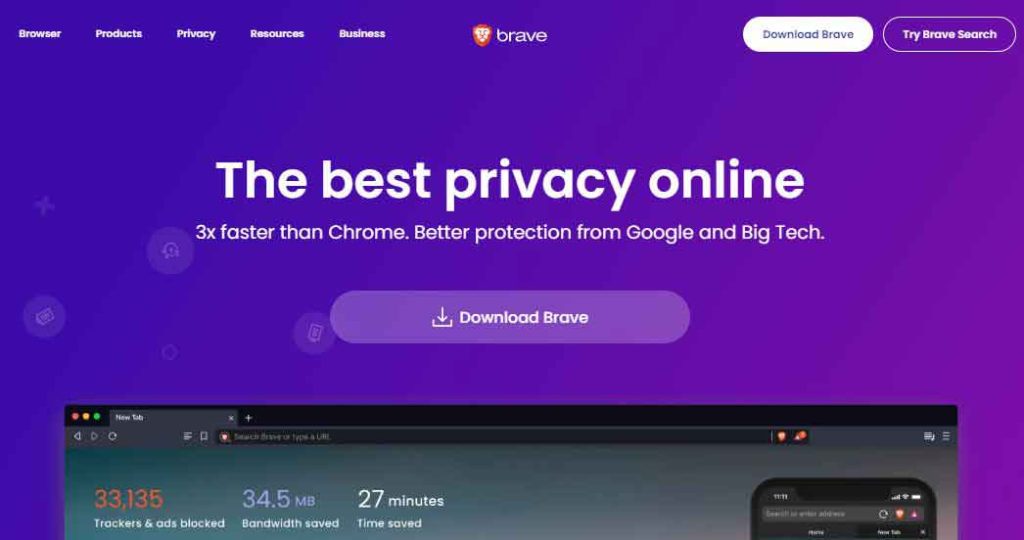
Brave browser has gained immense popularity primarily because it is owned by one of the co-owners of Mozilla Firefox. The Chromium-based browser has open-source software to vouch for the privacy and security it provides. Apart from that, it has a simple user interface that is starkly similar to mainstream web browsers making it easy to use. This VPN offers decent privacy and security, such as:
- automatically blocks cross-site trackers and browser fingerprinting attempts
- Blocks cookie consent notifications
- Built-in malware and phishing protection.
- It removes intrusive ads from every page you visit
- Upgrades every possible connection to more secure HTTPS.
What is particularly interesting about Brave is its anti-ad attitude. The browser has a business model that strips online ads from websites and replaces them with advertisements from its network. Moreover, it also eliminates ad tracking, ensuring user safety and privacy. Another thing that makes Brave stand out is the introduction of “BAT” or Basic Attention Tokens. These are tokens awarded to users who accept advertisements. These tokens can be used to pay off website publishers for support or buy premium content or features.
8. Tor Browser
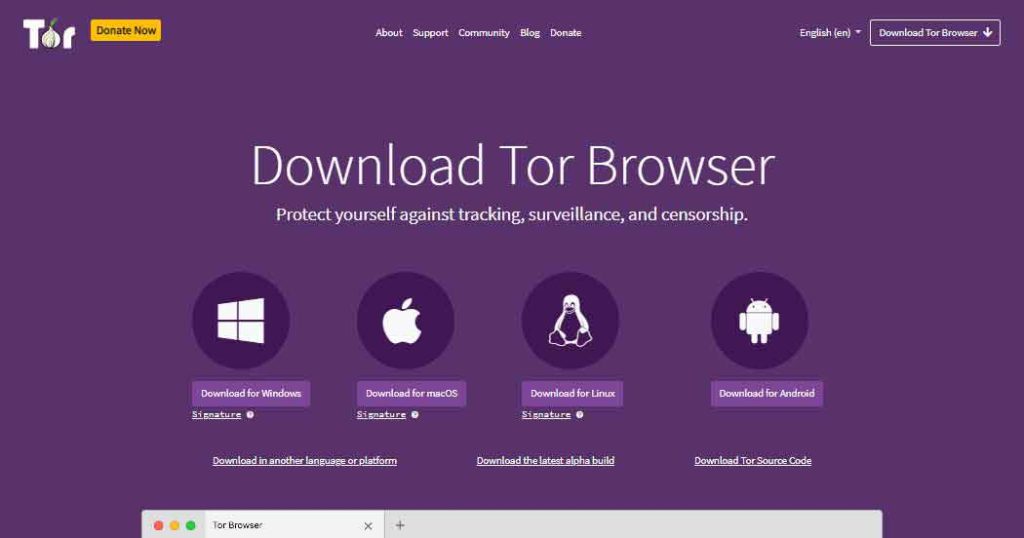
- Website URL: torproject.org
Built by the US Navy, Tor has long since been used as an online anonymity and security tool. It is a popular browser for users accessing the dark web since it helps bypass ISP throttling and online censorship issues. Although Tor is not a browser offering a built-in VPN, it makes it on the list due to its unexceptional privacy and security features. Here are some of the few distinct privacy and security features of Tor:
- It encloses the data into layers of encryption to maintain data privacy.
- Data packets bounce through different nodes or relays that help maintain anonymity.
- Masks IP address to help maintain anonymity.
While the Tor browser offers unexceptional privacy and security, it has a complex user interface. Setting up the Tor browser requires going through its three security settings, which offer varying levels of privacy and anonymity.
9. Psiphon for Windows and Android
- Website URL: psiphon.ca
Psiphon is an open-source privacy browser. The browser claims to be a “censorship software” that utilizes VPN, SSH, and HTTPS technology to bypass online censorship issues. The VPN browser has a somewhat easy-to-use interface with unique security features such as:
- Encrypts data through AES-256-BIT encryption.
- Used L2TP/IPSec for VPN tunneling
- Provides separate VPN mode and proxy mode
However, the VPN browser belongs to Canada, which is a part of the 5 Eyes alliance and keeps data logs. Moreover, although the Psiphon browser does have a vast server network in 20 countries, it does not help unblock streaming platforms or torrenting. Apart from that, the browser had excruciatingly slow speeds. The VPN browser has a free version that is upgradeable to a premium version with a few extra features.
10. Mozilla Firefox
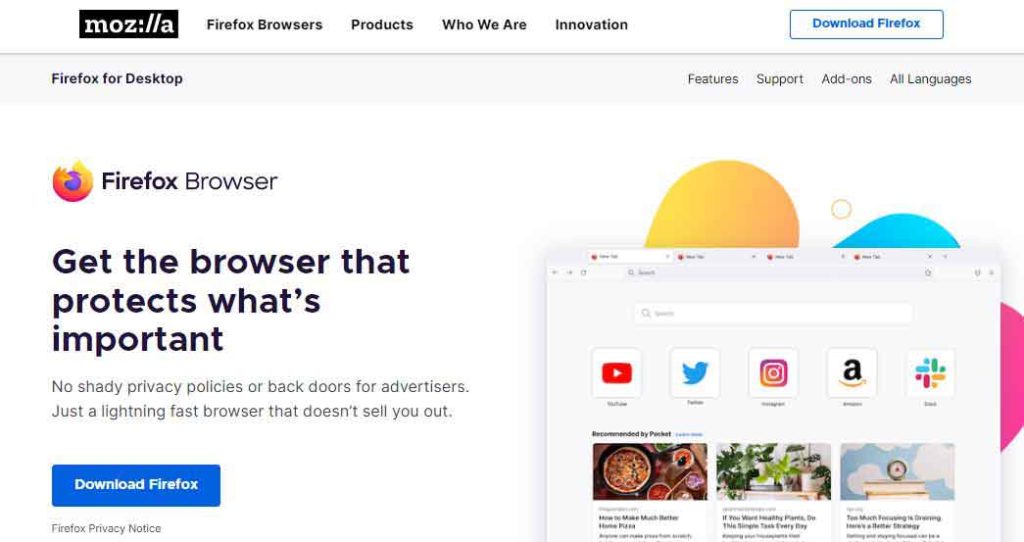
- Website URL: mozilla.org
Mozilla is one of the best-known private VPN browsers. It is a Quantum-based browser that offers its users the utmost privacy and security. Moreover, the browser has a user-friendly interface and provides several different privacy and security features, such as:
- Enhanced Tracking Protection
- Total Cookie Protection. DNS over HTTPS
- Fingerprinting protection
- Built-in ad blocking
- Malware and phishing protection
- Default HTTPS is supported.
- Built-in password manager
Besides privacy and security, Mozilla Firefox offers several customization features that allow users to synchronize the data saved within the browser with other devices. Moreover, it also has a built-in translation feature that allows web translations. Another excellent feature of Mozilla Firefox is the built-in reader mode that allows easy reading.
How to choose the best browsers with built-in VPN for you
There are many browsers with built-in VPNs on the web. However, most of these browsers do not do much to protect your security and privacy. Below are some factors to consider when choosing the best browsers with built-in VPNs.
Anonymity
You should ensure the built-in browser VPN will not collect and sell your information to advertisers and third parties. The best VPN has a no-logs policy and is based in a jurisdiction with strict laws on privacy.
Security
The other critical factor to consider is security. Ensure the built-in VPN has crucial security features like military-grade encryption, DNS/IP/WebRTC leak protection, kill switch, split tunneling, etc.
Reliability
The other key factor to consider is reliability. A good VPN offers fast speeds and minimal or no ads. You should pick the fastest VPN provider for a great browsing, streaming, and torrenting experience.
Number of servers
Ensure your VPN service has global coverage and many servers you can choose from. Having many servers to choose from gives you more freedom to access geo-restricted content.
Cost
The cost of a VPN service is also something to consider. A reliable VPN service does not cost a fortune but offers the best features.
Ability to bypass geo restrictions
When accessing online content, it is ideal that you access as much content as possible without dealing with censorship. So, choose a VPN with the impressive unblocking capability to bypass geo restrictions worldwide.
Are browsers with built-in VPNs safe to use?
Browsers with built-in VPNs are generally safe if you want menial privacy while browsing the web. These browsers are much more secure than mainstream web browsers, specifically Google. However, while these VPN browsers claim to have VPN capabilities, the privacy they provide is not as good as a VPN. The main difference is that they can only protect your browsers.
Moreover, in contrast to several reliable VPNs, most private browsers have shady log policies making them unreliable. Therefore a reliable way out is to use a reliable VPN browser extension and your regular browser. You can also amp up your privacy within it by always using incognito mode and pairing up with a private search engine.
Can I use a web browser with free VPNs?
There are many browsers with free VPNs in the market. However, free VPNs might compromise your safety. Since free VPNs do not charge users, they earn money by collecting and selling data to advertisers and third parties. Some free VPNs might also be malware to compromise your personal information.
Free VPNs also come with limited features. They offer slow speeds and only a few servers to choose from. The safety features are also limited; some cannot access geo-restricted content.
While using a free VPN will not cost you anything, the risk of compromised security is significantly high. As such, you are better off using a cheap but reliable VPN with more functionality and security.
Free browsers with built-in VPNs to avoid
Finding a reliable service you want to use is not easy. The majority of services that are offered for free will cause you more harm than good. As such, below are some browsers you should avoid.
Epic browser
Epic is a closed-source browser whose safety cannot be guaranteed. Moreover, the browser collects user information that it might share with third parties. The browser has also not been updated for some time, which raises suspicions.
UR browser
UR also collects user data and sells the data to third parties to make a profit. The VPN’s privacy policy is also ambiguous, making it suspicious. Also, the browser also lacks a kill switch feature, making it less reliable than a VPN.
Aloha browser
Aloha Browser hosts its servers with third parties, which is a major red flag for privacy-oriented individuals. It also gathers diagnostic data, which is not the ideal way to offer secure services.
How to set up a browser with VPN on any device
Once you have selected the best VPN browser that you want to use, follow the steps below to install the service on your device:
How to install a browser with built-in VPN on Windows
To install a new browser with a built-in VPN on your Windows device, follow these steps:
- Choose the best Windows VPN browser you want to use.
- Install the browser and finish setting up on your Windows device.
- Turn on the VPN within the browser settings.
- Enjoy private and secure online activity.
How to install a browser with a built-in VPN on Mac
While Apple devices are usually more secure, you still need better security and privacy features. Installing a browser with a built-in VPN on Mac is an easy and short process:
- Select the best Mac browser with a built-in VPN.
- Download the browser installer and follow the prompts to complete the setup.
- Go to settings, enable the VPN, and choose a server from the supported ones.
- Access the internet without any restrictions.
How to install a browser with built-in VPN on Android
To set up a browser with a built-in VPN on your Android device, follow the below steps:
- Enjoy surfing the web privately and securely.
- Choose the best VPN browser for Android devices.
- Access the browser app from the Google Play Store and complete the setup.
- Go to settings to enable the VPN and choose a server.
How to install a browser with built-in VPN on iOS
When looking to protect yourself or to access geo-restricted content on an iOS device, follow these steps:
- Choose the best VPN browser for iOS.
- Access the browser app from the Apple App Store and complete the setup.
- Go to settings to enable the VPN and choose a server that will cover you the best connectivity.
- Enjoy your private and secure browsing and streaming experience.
Benefits of using browsers with built-in VPNs
When comparing traditional browsers and browsers with built-in VPNs, below are some benefits that are offered by browsers with built-in VPNs.
Better privacy and security
One of the main benefits of using browsers with built-in VPNs is better online privacy and security. When you connect to the internet, your data is transmitted using several networks before getting to the destination. This is risky because malicious actors can intercept and monitor your connections.
Thankfully, VPNs encrypt your online traffic by creating a secure tunnel between the device and the VPN server. This ensures that the data you transmit is protected with encryption, making it difficult to intercept your information.
Browsers with built-in VPNs help to protect your online activity even when using public WiFi networks that can be vulnerable to hacking attacks.
Hiding location data
Most websites and online services enforce geo-restrictions, blocking you from accessing them in some regions. That is why you might not be unable to access some streaming services and social media platforms in your country.
However, you can use browsers with built-in VPNs to spoof your location by connecting to servers in different regions worldwide. This allows you to bypass geo-restrictions and access any website and service you want. Also, a VPN enables you to avoid potential government censorship and surveillance.
Anonymity
Browsers with built-in VPNs support anonymous browsing and also prevent unwanted tracking. When connecting to the internet without a VPN, several websites and services log and track your online activities, including browsing history, search queries, and other personal data.
Encrypting online traffic and hiding IP addresses, a built-in VPN will make it difficult for websites to track your online activities and link them back to the real world. This protects online privacy and prevents advertisers from gathering your data and serving targeted ads.
Convenience
Instead of downloading and configuring a separate VPN application, you can enable the VPN feature within the browser. The move makes it easy and convenient to use the VPN if you are not Privacysavvy or unfamiliar with downloading and setting up a VPN.
Most users find it challenging to separate a VPN client and might not know the provider they should choose and configure the settings correctly. When a user taps a browser with a built-in VPN, the process is simplified and made more accessible to many users.
Saving costs
The majority of VPN services need a monthly and annual yearly subscription fee. However, when using a browser using a built-in VPN, you can enjoy the benefits of a VPN service without additional costs.
Remember to research and compare different providers to find the best deal if you want a standalone VPN service. However, the process can be time-consuming and challenging for people unfamiliar with the VPN market.
Risks of using browsers with built-in VPNs
Although browsers with built-in VPNs have many advantages, they also have some downsides like;
Limited server options
Unlike a standalone VPN service that typically offers several server options globally, a browser with a built-in VPN might have a limited selection of servers. This will affect the speed and the performance of the VPN as more users scramble for the limited servers.
Privacy
A browser with a built-in VPN will not offer the same level of privacy and security as a standalone VPN service. Also, most premium VPNs offer no-log policies to keep you private when accessing the internet. However, some built-in VPNs collect and share data with third-party advertisers.
Compatibility issues
Some browsers with built-in VPNs might not be compatible with particular websites, like popular streaming services like Netflix. The move can limit the browser’s functionality and might require the user to switch to another VPN service to access these websites.
Issues with performance
A browser with a built-in VPN might affect the device’s performance, especially when using a lower-end device or a limited internet bandwidth. The additional encryption and the data routing needed by the VPN might slow down the internet speed, boost latency and make it hard to browse the web and stream content.
Why not use a VPN extension over built-in VPN browsers
A VPN extension for browsers is a straightforward plugin you can toggle on and off while browsing the Internet. They encrypt your browsing activity, block trackers and cookies, and hide your IP address, enabling a secure browsing experience. Here is a quick comparison between both technologies.
| VPN Extensions | VPN Browsers |
|---|---|
| ✔ Hide IP | ✔ Hide IP |
| ✔ Unblock Sites | ✔ Unblock Sites |
| ✔ Fast Speed | ✖ |
| ✔ Encryption | ✖ |
| ✔ Servers Locations | ✖ |
| ✔ Kill Switch | ✖ |
| ✔ Streaming | ✖ |
| ✔ Torrenting | ✖ |
However, there is a catch: VPN browser plugins only secure your web browser, not any other application on your device. Therefore, any activity you do outside of that particular browser remains unsecure. In other words, other programs such as games, streaming platforms, and tools will continue to connect to the internet directly and without encryption.
To keep your overall activity secure, install VPN software on your device. Fortunately, every VPN service in this article offers VPN browser extensions and native apps for Windows, MacOS, iOS, Android, and other operating systems.
1. NordVPN
One of the best VPNs available, NordVPN offers a secure and reliable browser extension for private web browsing. Although it is merely a VPN proxy, it allows a safe and secure browsing experience through several security features.
The NordVPN browser extension protects you from online snooping by hiding your IP address and browsing data. Moreover, it prevents IP leaks by automatically blocking WebRTC. Some of the most distinctive features of the NordVPN browser extension are as follows:
- 30 days free trial
- Fast speedy servers
- High-quality streaming
- Best downloading speed
The best thing about this browser is that despite providing advanced features, it provides super fast speeds and astable browsing experience with no bandwidth limits. It has aneasy-to-use interface, and setting it up requires a simple click on the “Quick Connect” button. Moreover, it has over 8,000 servers in 120+ countries, ensuring a stable browsing experience.
2. ExpressVPN
One of the best VPNs available, the ExpressVPN browser proxy extension promises a reliable and secure browsing experience. The proxy VPN extension is sleek, secure, and easy to use and set up. However, it is only available through a VPN subscription. But fortunately, it does provide a 30-day free trial that is easily refundable. Some of the key features of the ExpressVPN browser extension are as follows:
- Web RTC blocking to prevent IP address leaks
- Location spoofing by masking IP address
- HTTPS Everywhere feature that redirects sites to their more secure HTTPS version
Besides providing privacy and security, the VPN proxy browser extension allows customization through the available dark mode option. Moreover, it is simple, easy to use, and compatible with several browsers like Chrome, Brave, or Vivaldi. The best thing about the browser extension is its multilingual interface. It offers 16 languages, introducing diversity in its function and ensuring its availability to a significant number of people.
3. Surfshark
Although a relatively new VPN provider, Surfshark has quickly gained fame over its astounding
privacy and security features. The Surfshark VPN browser extension is easy to use and is available to users upon subscription. It promises a secure and private online browsing experience by hiding your IP address and encrypting data through AES-256-bit encryption. Moreover, the browser VPN exertion is ideal for bypassing geo-blocks and fast, unrestricted streaming. Some of the noticeable features of Surfshark VPN are as follows:
- 30 days free trial
- effective 1-click VPN plugin
- restricts ads trackers
One of the finest VPNs, Surfshark has all the necessary tools for a private browsing experience. It offers split tunneling, SmartDNS, GPS spoofing, the quick WireGuard protocol, and P2P-optimized servers. And to make things even better, Surfshark is constantly releasing new updates and features, like a graphical user interface.
FAQs
Share this article
About the Author

Rebecca James is an IT consultant with forward thinking approach toward developing IT infrastructures of SMEs. She writes to engage with individuals and raise awareness of digital security, privacy, and better IT infrastructure.
More from Rebecca JamesRelated Posts

ISP Throtlling: 4 Best Ways to Stop Bandwidth Throttling in 2026
KEY TAKEAWAYS If you’re experiencing ISP throttling, using a VPN is the best method to prevent...
What is a VPN Kill Switch and How Does it Work?
Numerous internet users have now observed the possible risk of online data exposure to ISPs or cyber...

Does VPN Slow Down Internet Speed? [Resolved]
KEY TAKEAWAYS A VPN connection indeed reduces your speed because of encryption protocols. It routes ...

Why Should You Use a VPN? 12 Best Reasons
KEY TAKEAWAYS As almost everyone has nowadays access to the internet, more cyberattacks are taking p...

Can You Be Tracked If Using a VPN in 2026
KEY TAKEAWAYS You can be tracked using a VPN if your VPN leaks your IP address, which may result in ...

How to Block ISP Tracking in 2026
KEY TAKEAWAYS ISPs monitor your data due to bandwidth throttling, data rentention laws, selling data...